Connect Your Exchange (Binance or Bybit)
Generate API keys on your exchange and securely connect them to Wise Trade so it can execute trades on your behalf.
Have a working exchange API key ready to paste into Wise Trade.
Wise Trade supports Binance and Bybit. Pick the one where you already have an account and funds. The steps below cover both.
Log into Binance → hover on your profile icon → API Management. Click Create API, choose "System Generated", and name it "Wise Trade". Complete 2FA verification.
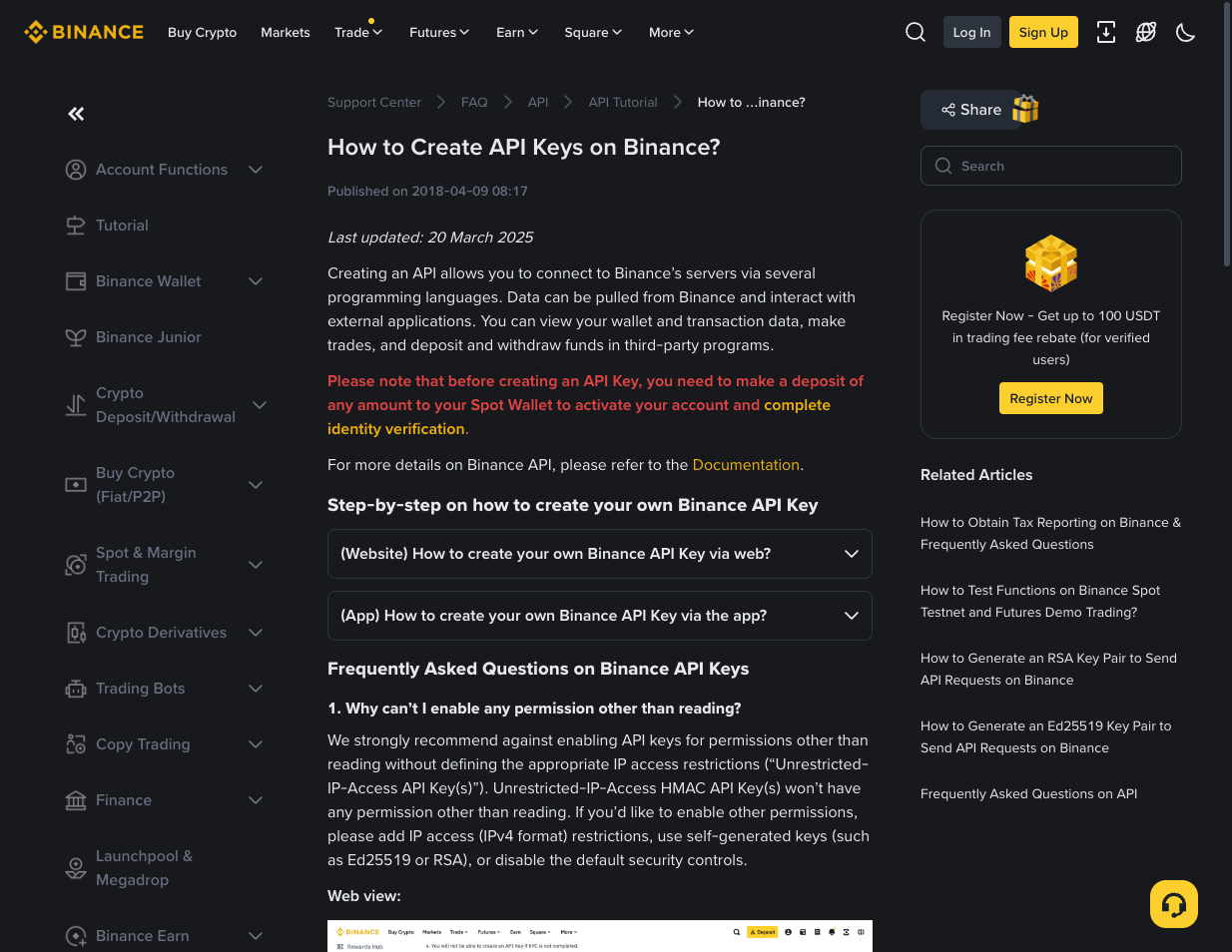
Enable Futures permission only. NEVER enable withdrawals. Wise Trade does not need withdrawal access.
Log into Bybit → click your profile → API → Create New Key. Select "System-generated API Keys". Set permissions to Read-Write for trading, but leave "Withdraw" off.
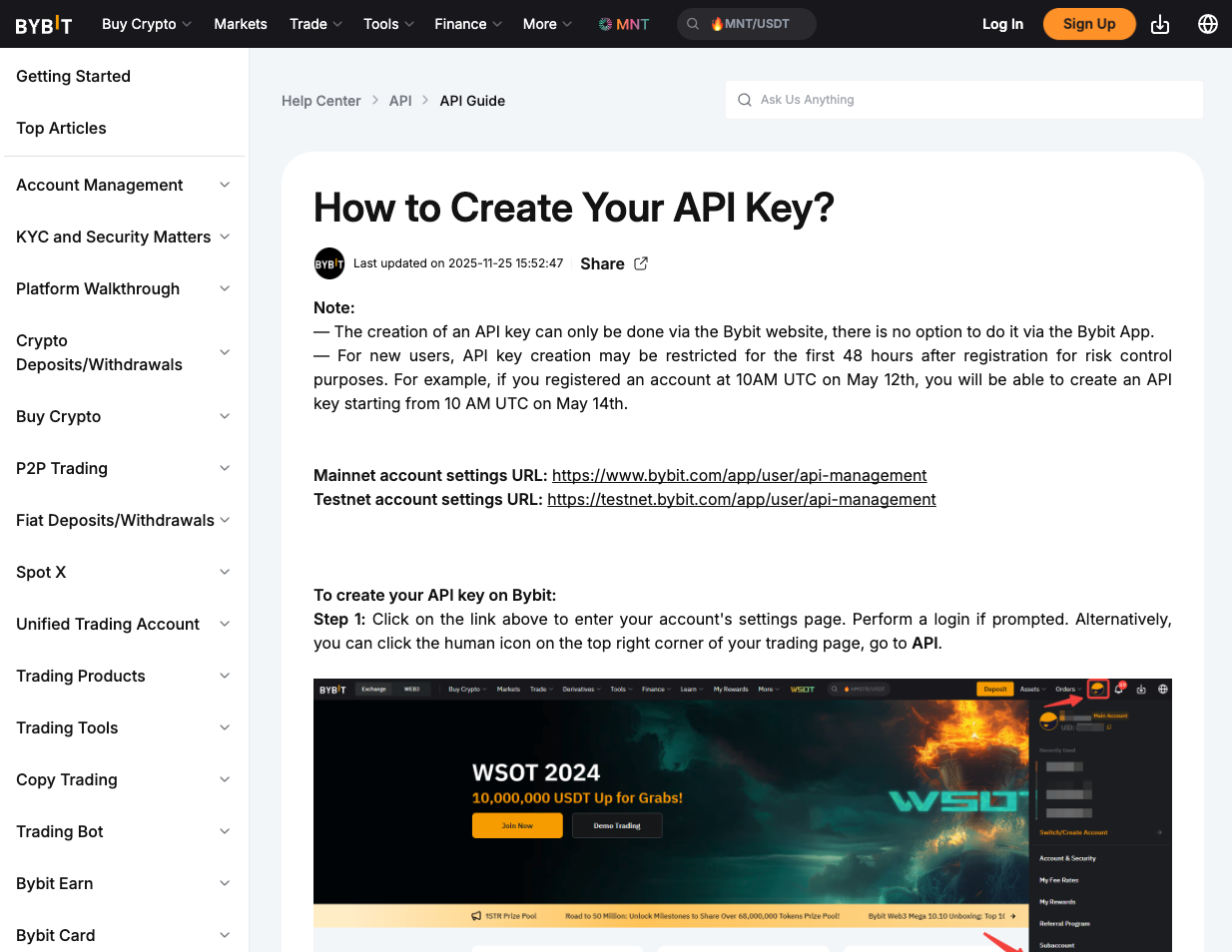
Same rule: no withdrawal permissions. Only enable Read and Trade.
After creation you'll see your API Key and API Secret. Copy both and keep them safe. The secret is only shown once — if you lose it, you'll need to create a new key.
Store your API secret in a password manager. Never share it with anyone.
For extra security, restrict the API key to specific IP addresses. If you don't have a static IP, you can skip this — Wise Trade encrypts your keys regardless.
Tips & Best Practices
- Use a dedicated API key just for Wise Trade — don't share it with other services.
- Rotate your API keys every few months as a security best practice.
- If a key stops working, check that it hasn't expired or been revoked on the exchange.
What's Next?
Set up an isolated trading fund with your exchange keys, leverage, position sizing, and the automatic tax bucket.
Connect TradingView alerts to Wise Trade so your strategies execute automatically when signals fire.