Getting Started with Wise Trade
Create your account, explore the dashboard, and understand how Wise Trade automates your crypto trading.
Have a Wise Trade account ready and understand the platform layout.
Go to yzetrade.com and click Sign Up. Enter your email, verify with the OTP code sent to your inbox, then set a password.
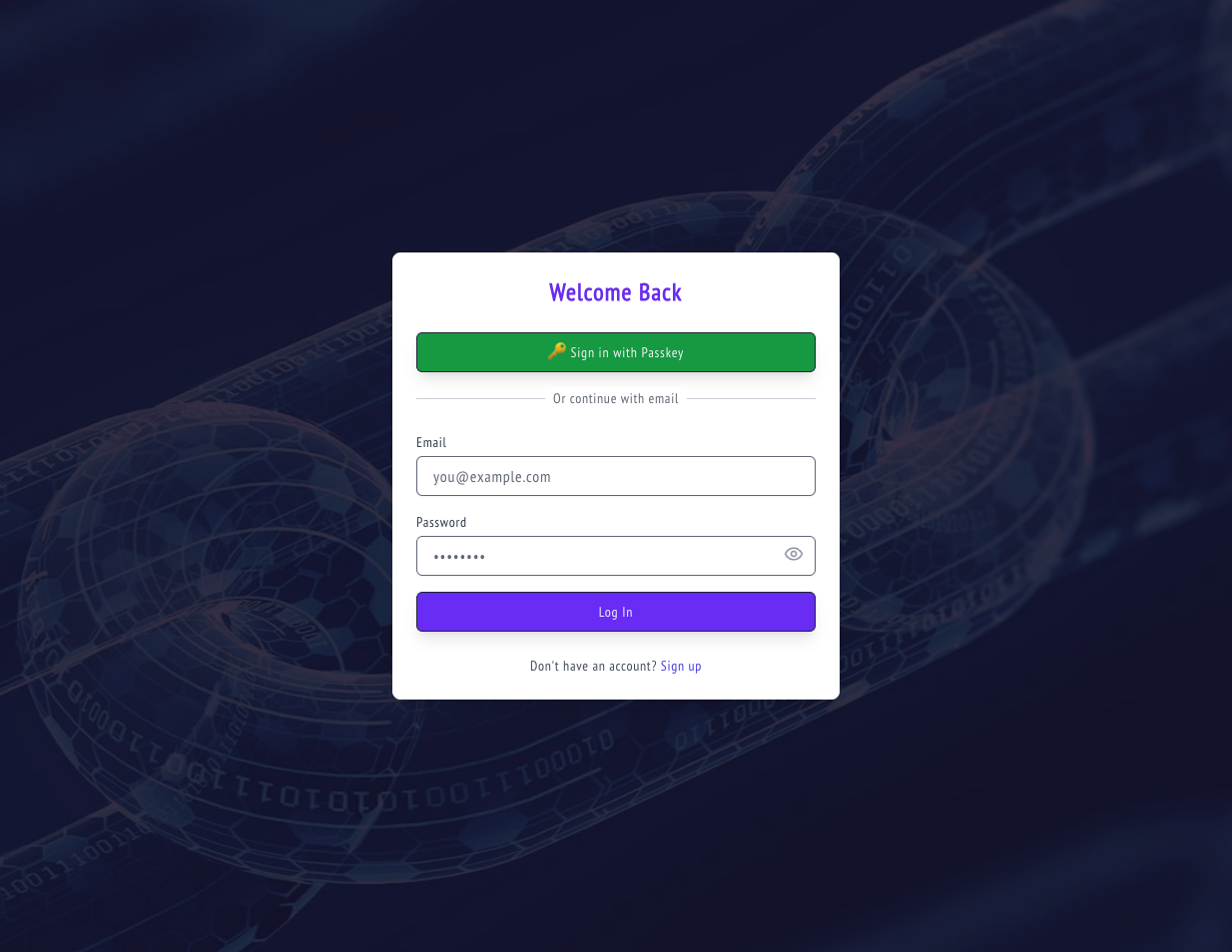
Use a strong, unique password. You can also sign in with a Passkey for passwordless login later.
After logging in you land on the Dashboard. It shows a live TradingView chart and a crypto market ticker across the top. The left sidebar has Dashboard, Funds List, and Support.

Click Funds List in the sidebar. This is where all your trading funds live. Each fund is an isolated trading strategy with its own exchange connection, leverage, and P&L tracking. You'll create your first fund shortly.
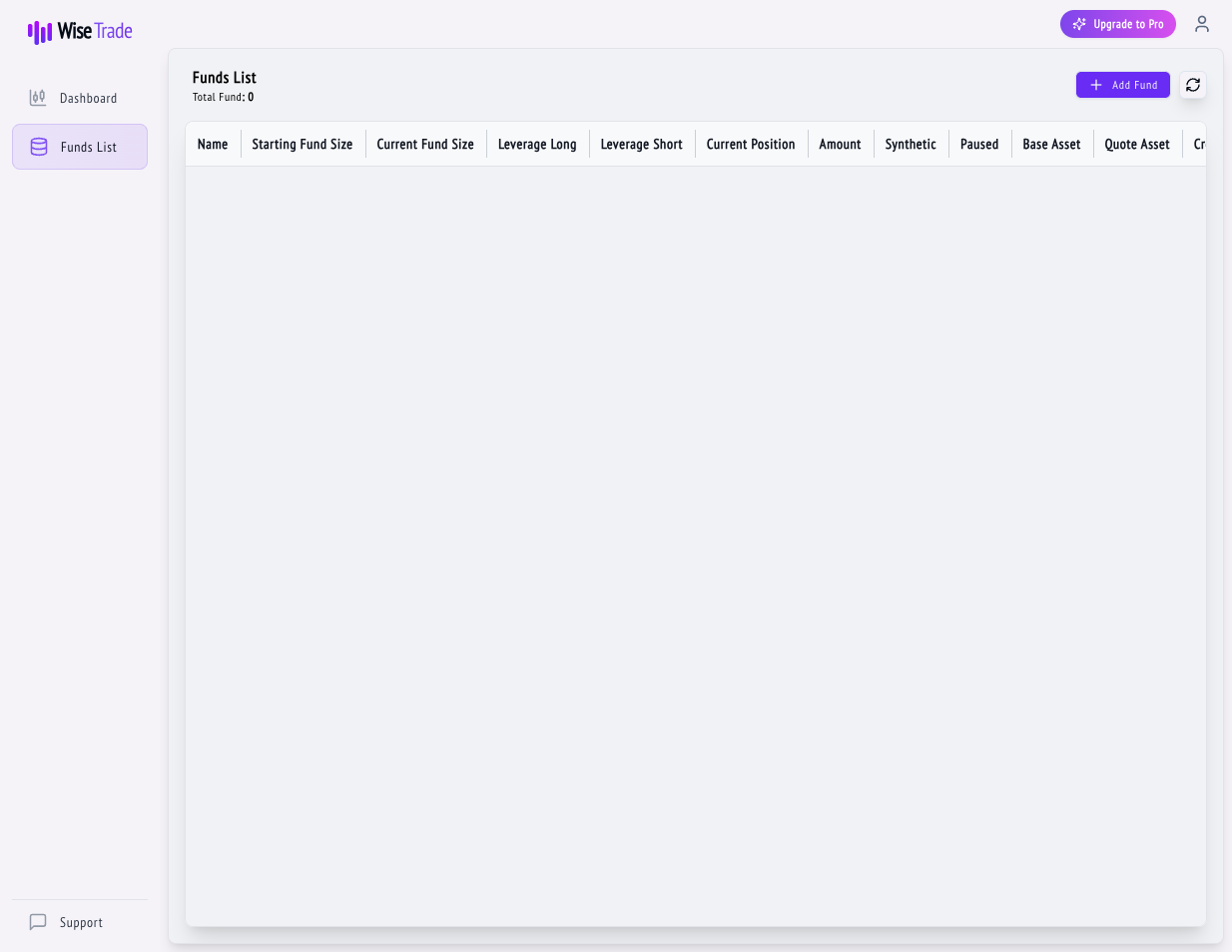
The Upgrade to Pro button in the top-right shows your current plan. Free plan gives you 1 fund and unlimited signals. Pro ($20/mo) unlocks 8 funds, advanced order slicing, and priority support.
You can do everything in this tutorial series on the Free plan.
Tips & Best Practices
- Bookmark yzetrade.com/dashboard for quick access.
- The platform works best on desktop for initial setup.
- Your data is encrypted end-to-end — Wise Trade never stores withdrawal-capable API keys.
What's Next?
Generate API keys on your exchange and securely connect them to Wise Trade so it can execute trades on your behalf.
Set up an isolated trading fund with your exchange keys, leverage, position sizing, and the automatic tax bucket.